Add a New User
Depending on your Viewpoint configuration, Users can create their own accounts by registering, however you may from time to time need to manually add users.
Adding a new User

- Go to the Admin Menu
- Click Settings > Users >
Add Users
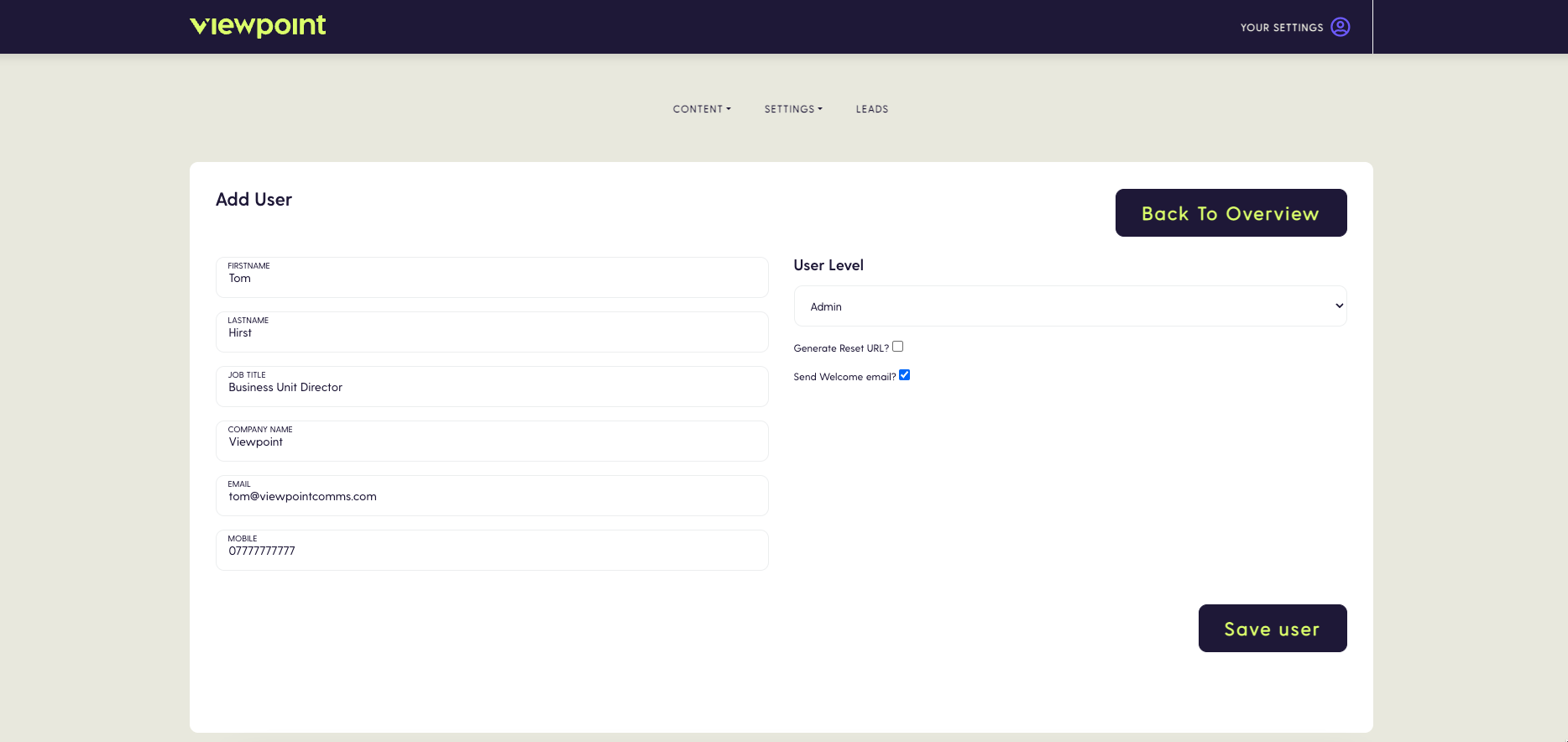
- Enter the users details, in the left hand column.
- Select the User level from the dropdown field on the right - See Permissions for more information on User Permissions
- Tick the ‘Send Welcome email’ checkbox - This will send the user a welcome email that they can use to activate their account.
- Click ‘Save User’